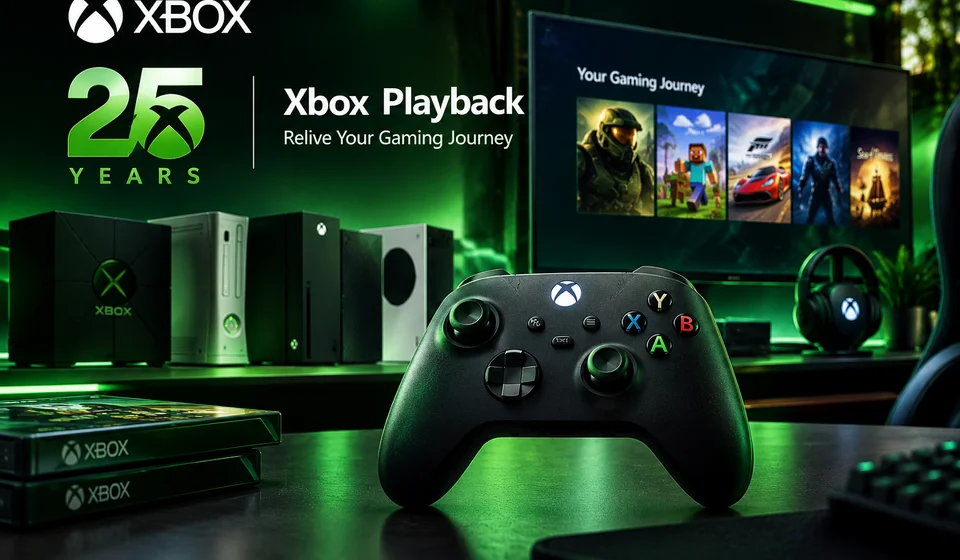
Relive Your XBOX Memories with Microsoft Playback
Microsoft Brings Back Memories with XBOX Playback
Starting today, XBOX Playback offers a unique look at your gaming history across every XBOX generation, tailored to your experiences. For the first time, you can embark on a nostalgic journey through your XBOX story, revisiting the moments that shaped your gaming journey. Explore the origins of your gaming passion, revisit the titles you spent the most time with, and relive the milestones that defined your progress. According to Microsoft, your Playback is a treasure trove of gaming memories, including your first XBOX game, total time played, most-played game, top years, and longest streak. As every gamer's journey is distinct, your Playback will be a one-of-a-kind reflection of your experiences.
Whether you're an original XBOX enthusiast or a newcomer to the console, your Playback will reveal a personalized story waiting to be uncovered. This new feature is part of Microsoft's efforts to make XBOX more engaging and nostalgic, allowing users to relive their gaming memories.
How to Access Your XBOX Playback
Unlock your Playback directly on your console or watch it on the web by signing in with your XBOX account and discovering your gaming legacy. To start, follow these steps:
- Go to your XBOX console dashboard
- Look for the "XBOX Playback" option
- Select it to watch your playback video
- Alternatively, head to the web and sign in with your XBOX account to watch your playback video
Exploring Your XBOX Playback Archive
Want to dig a little deeper? Venture into the Playback Archive on the web to uncover more of your available gaming history. Delve into your first milestones, biggest achievements, and more, as you navigate your Playback Archive. The Playback Archive will be rolled out gradually throughout the day, so don't worry if you don't see it right away.
Read also: A Legendary Revival: Nintendo's Iconic Game Is Reborn and '90s Nostalgia Fans Are All In
Sharing Your XBOX Playback Experience
After watching your Playback, generate your personalized Playback card by scanning the QR code at the end of the console video or selecting 'share' on web. Share your Playback with friends or post it on social media with #XBOXPlayback. This is a great way to show off your gaming memories to your friends and family.
Availability and Requirements
XBOX Playback is now available in 15 countries* from today through December 31. Whether you've been a loyal XBOX fan since the beginning or are just starting your gaming journey, thank you for being part of the XBOX community. The feature is reserved for users with at least 1 XBOX Gamerscore, 1 achievement, and 1 minute of qualifying gameplay linked to their Xbox profile.
Frequently Asked Questions
What is Microsoft Replay?
Microsoft Replay is a feature that allows users to view their XBOX gameplay history across every generation in a personalized experience.
Read also: Xbox Is Back: Project Helix Is Microsoft's Next-Gen Console — And It Plays Every PC Game Too
What is Microsoft Teams Announcement Playback Service?
There is no mention of the Microsoft Teams Announcement Playback Service in the provided SOURCE.
Can I access my XBOX Playback if I don't have enough XBOX Gamerscore, achievements, or gameplay?
Yes, console access requires at least 1 minute of qualifying gameplay on console, while web access demands at least 1 XBOX Gamerscore, 1 achievement, and 1 minute of qualifying gameplay linked to your Xbox profile.
Conclusion
XBOX Playback brings a new level of nostalgia and engagement to the XBOX experience. With its personalized highlights from your available XBOX history, you can relive your gaming memories and share them with friends and family. Whether you’re an OG or a new player, this feature is a must-try.
Read also: Microsoft Opens Xbox Cloud Gaming to Players Without Game Pass via New Pay-as-You-Go Packs
Comments (0)
Please log in to comment
No comments yet. Be the first!